
To automate invoice processing, you set up a flow that collects supplier bills from your inbox, reads the key fields with AI, checks them against the purchase order and delivery note, sends anything that does not match to a person, and posts the approved bill into your accounts. Your team stops typing invoices and starts reviewing only the ones that need a human decision.
This guide is about the bills you receive from suppliers, not the invoices you send to customers. If late payers are your bigger problem, see our piece on systems that chase unpaid invoices.
At a glance: start with the bill capture built into your accounting software, add purchase order matching once volumes grow, keep a person approving every exception, and measure the result in hours saved rather than in how clever the AI looks.
What automated invoice processing actually does
Most finance teams still handle supplier bills the same way: someone opens the email, downloads the PDF, types the supplier, date, amounts and VAT into the accounts, finds the purchase order, checks the goods arrived, and chases a manager for approval. Every step is manual, and every step is a chance for a typo or a lost email.
An automated flow does the same five jobs, in the same order:
- Capture. Bills arrive at one dedicated email address or upload folder, whether they are PDFs, scans or phone photos of paper invoices.
- Extract. AI document processing reads each bill and pulls out the fields you need.
- Match. The system compares the bill with the purchase order and the delivery note.
- Route exceptions. Anything that does not match, or looks unusual, goes to a named person with the reason attached.
- Approve and post. Clean bills go through your approval rules and land in Xero, QuickBooks, Sage or your ERP, ready to pay.
How AI reads a supplier bill
AI document processing means software that looks at a document the way a person would, understands its layout, and turns it into structured data. Older tools used OCR (optical character recognition, which turns an image of text into text) plus a template for each supplier. When a supplier changed its layout, the template broke.
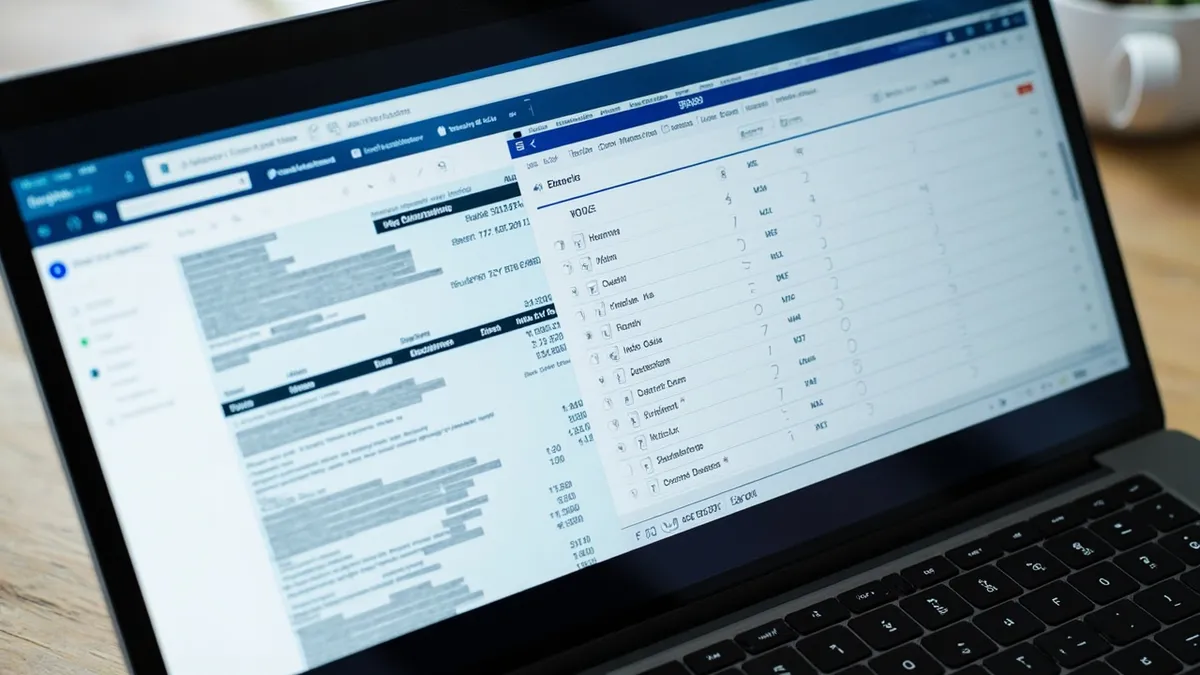
Modern invoice models are trained on many invoice layouts, so they cope with new suppliers without a template. Google describes its Invoice Parser as extracting header and line item fields such as invoice number, supplier name, invoice amount, tax amount, invoice date and due date. Microsoft's invoice model in Azure Document Intelligence does a similar job and is aimed at accounts payable workflows.
For a UK business, the fields worth capturing follow what HMRC says a full VAT invoice must show:
- the supplier's name, address and VAT registration number
- the invoice number, the date of issue and the time of supply (the tax point)
- a description, quantity and unit price for each line
- the VAT rate, the amount excluding VAT and the total VAT
A useful side effect: if a bill is missing a VAT number or shows VAT with no rate, the system can flag it before you try to reclaim that VAT.
Three-way matching: the step that saves real money
Reading a bill is only half the value. The other half is checking you should pay it. Three-way matching compares three documents: the purchase order (what you agreed to buy), the delivery note or goods received note (what actually arrived), and the supplier's invoice (what you are being asked to pay).
| Check | What the system compares | Typical exception |
|---|---|---|
| Supplier | Invoice supplier and bank details against your supplier record | New or changed bank details |
| Order | Invoice lines against the purchase order | Price higher than agreed |
| Delivery | Invoiced quantity against the quantity received | Billed for 10, received 8 |
| Duplicates | Invoice number, amount and date against past bills | Same invoice sent twice |
| VAT | VAT number, rate and total | VAT charged but no VAT number |
You decide the tolerances. For example, you might let small rounding differences through automatically but stop any price change. Changed bank details should always go to a person and be confirmed by phone with a contact you already know, never by replying to the email.
Not every bill has a purchase order. Utilities, subscriptions and rent usually do not. For those, a two-way check (bill against the contract or last month's amount) plus approval by the budget holder is enough.
Keep a person in charge of the exceptions
The goal is not to remove people from accounts payable. It is to stop them doing work a machine can do, so they have time for the decisions that matter. A good setup sends each exception to the right person with the bill, the purchase order and the reason side by side, and records who approved what and when.
That audit trail matters for tax too. HMRC's record-keeping rules for VAT generally require records to be kept for 6 years, and under Making Tax Digital for VAT, data should move between your software through digital links rather than being retyped by hand. An automated flow that posts straight into your accounts fits that model well. This is general information, not tax advice, so check your own position with your accountant.
Off-the-shelf or custom?
Start with what you already pay for. Xero, QuickBooks and other accounting packages include bill capture and approval features, and add-on capture tools connect to them. If you handle a modest number of bills from regular suppliers and rarely use purchase orders, these are often all you need.
A custom build makes sense when your process crosses systems the standard tools do not join up: purchase orders in one system, delivery notes in a warehouse or site app, approvals by project or cost centre, and posting into an ERP. It also helps when bills arrive in several formats and languages, or when you need matching rules specific to your trade. If you work with accounting practices, our guide to AI for accountants covers the practice side.
Whichever route you take, run it alongside your current process for a few weeks, with a person checking every result, before you trust it on its own.
How Rinaztec can help
Rinaztec builds AI automation that extracts data from invoices and pushes it into your systems, connected to the tools you already use and with a person kept in the loop for decisions that matter. We start with a review of your current workflow and a shortlist of automations ranked by time saved. AI automation projects start from $6,000 and go live in 3 to 5 weeks, and you own everything we build.
Still typing supplier bills into your accounts by hand? Book a free 30-minute call and we will map out what to automate first.