
A warehouse management system (WMS) runs the work inside a warehouse: receiving goods, putting them on shelves, picking orders and shipping them. An inventory management system is simpler: it tracks how much stock you have, where, and when to reorder. Most growing traders should start with a standard tool and only build their own when their processes, locations or sales channels stop fitting it.
At a glance: an inventory system answers "how many do we have?", while a WMS answers "where exactly is it, and who picks it next?". Off-the-shelf tools suit most single-site businesses with standard workflows. A system built for you makes sense when you run several sites, sell on several marketplaces, re-export goods or have rules no standard tool handles well.
WMS vs inventory system, in plain words
An inventory management system keeps a count of every product, usually by SKU (stock keeping unit, the code you give each product variant). It records goods in and out, warns you when stock runs low and tells your accounts what the stock is worth.
A WMS goes further, down to the shelf. It knows each bin location, tells staff which item to pick next and in what order, checks that the right item went into the right box, and records who did what. It matters once you have more than a handful of staff on the floor or more orders than people can remember.
Many businesses need both, and many ERP systems (enterprise resource planning software that joins up sales, stock and accounts) include some of each.
The Gulf trading and logistics angle
The UAE is a trading hub. Jebel Ali Free Zone (Jafza) describes its location near Jebel Ali Port and Al Maktoum International Airport as a hub for global trade, and its logistics park is built to help imports and exports. Many businesses there hold stock in one place and sell it onwards to the UAE mainland, the wider GCC or further abroad.
That creates questions a basic inventory tool may not answer well:
- Which stock sits in the free zone warehouse, which on the mainland, and which is in transit between them?
- Which consignment did a given unit arrive in, and where did it go next?
- Which paperwork belongs to which shipment?
Customs and free zone rules change and depend on your licence and activity. Check your own obligations with your free zone authority and official UAE government sources rather than relying on software defaults. Your system should record the data your advisers tell you to keep.
Barcode scanning and multi-location stock
Barcode scanning is where most of the accuracy comes from. Staff scan a product and a shelf label instead of typing a code, so the system knows exactly what moved and where. Handheld scanners or phones with a scanning app both work.

Multi-location stock means one product can sit in several places at once: two warehouses, a shop, a marketplace's fulfilment centre. A good system shows each location separately and lets you move stock between them with a clear record. Shopify, for example, tracks inventory per location, with separate figures for available, on-hand, incoming and committed stock.
Selling on Shopify, Amazon and noon
If you sell online, your stock system must talk to your sales channels, or you will oversell. That link is built through an API (application programming interface: a documented way for two systems to exchange data automatically).
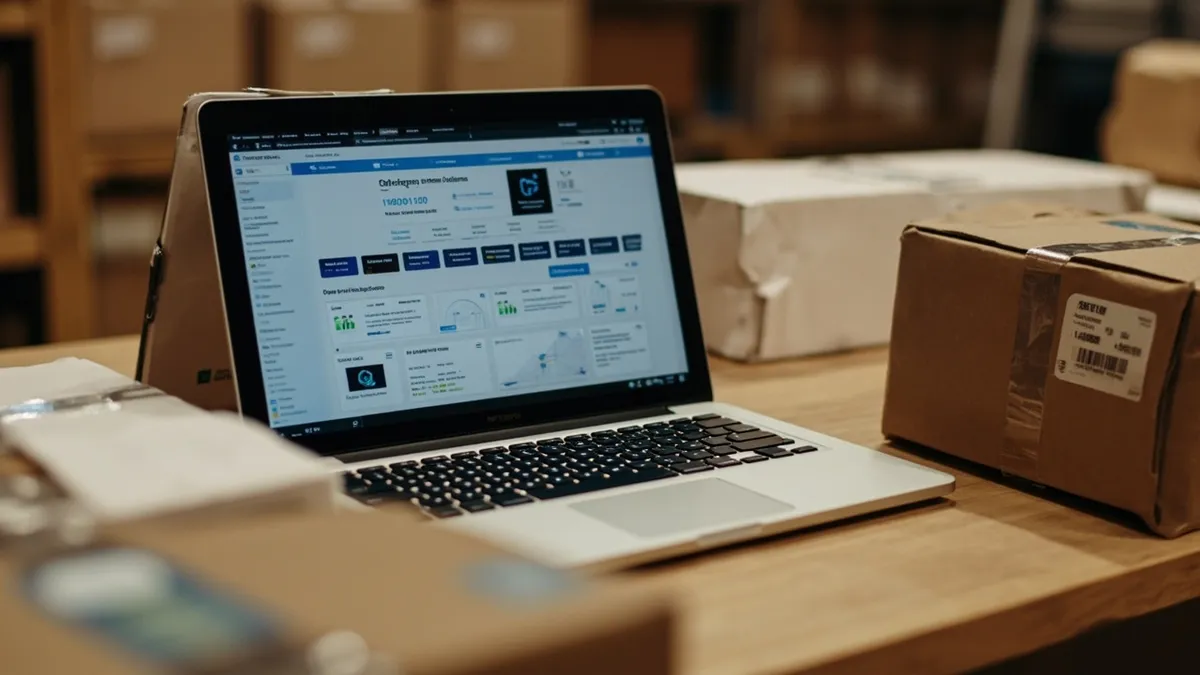
- Shopify offers an Admin API that reads and updates inventory levels at each location.
- Amazon offers the Selling Partner API, which lets sellers work with their listings, orders and inventory data. Access depends on the roles Amazon approves for your developer profile.
- noon publishes an API platform covering catalogue, orders, fulfilment and event notifications. Its Fulfilled by Partner Integration model lets sellers run their own warehouse while updating stock and processing orders through the API, either directly or via an integrator.
Many off-the-shelf tools already connect to some of these. Check which channels, which countries and which features each connector really supports before you commit.
When standard tools work, and when they don't
Standard tools are usually the right answer when you have one or two locations, a few sales channels with ready-made connectors, and workflows close to the way the software expects. They are quicker to start and someone else maintains them.
They start to struggle when:
- you run several sites across the free zone, mainland and other GCC countries, and need one live view
- your channels need connectors the tool lacks, or the connectors miss key fields
- you have special rules: batch and expiry tracking, kitting, consignment stock or customer-specific pricing
- staff keep side spreadsheets because the system can't hold what they need
| Factor | Off-the-shelf | Built for you |
|---|---|---|
| Time to start | Days to weeks | Weeks to months, in phases |
| Upfront cost | Low, then ongoing subscription | Higher, then hosting and support |
| Fit to your process | You adapt to the tool | The tool fits your process |
| Marketplace links | Limited to available connectors | Built to the APIs you need |
| Multi-site and re-export tracking | Varies by product and plan | Designed around your locations |
| Maintenance | Vendor handles it | You or your developer handle it |
A middle path often works best: keep standard accounting software and add a custom stock or warehouse layer that connects to it. If you go that route, plan it properly. This guide to ERP implementation steps covers scoping, data clean-up and testing.
How Rinaztec can help
Rinaztec builds custom ERP systems and modules, including stock and warehouse tools, for businesses in the UK, UAE and Saudi Arabia. We work in phases, starting with the process that costs you most, and connect to your accounting software and sales channels. Custom ERP development starts from $15,000, with each phase typically taking 6 to 10 weeks.
Is your stock spread across more places than your system can see? Book a free 30-minute call and we will help you decide whether a standard tool or a custom build fits.