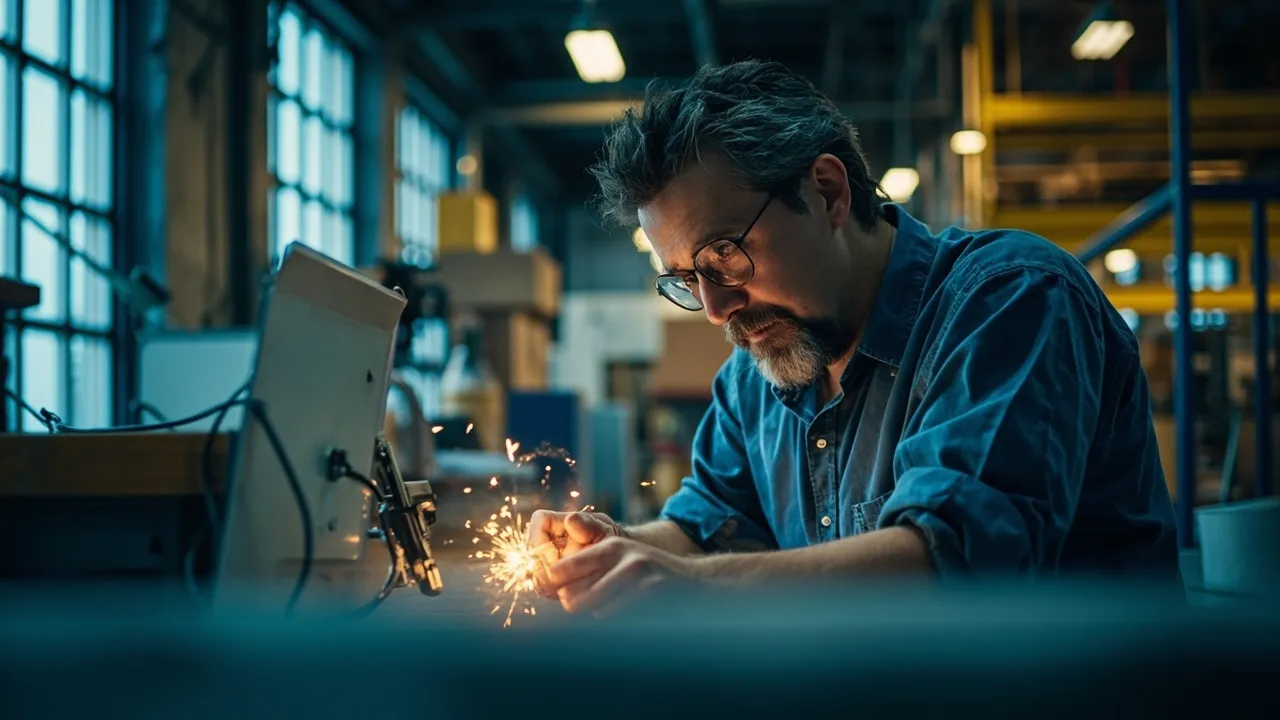
An ERP for manufacturing is software that connects what you make with what you buy, stock, sell and invoice, so the office and the shop floor work from the same numbers. For most small manufacturers, the parts that really matter are a clear bill of materials, work orders, stock and purchasing, simple shop floor data entry and batch traceability. You rarely need every module on day one.
This guide explains those building blocks in plain words, shows where off-the-shelf systems fit well, and helps you decide where to start.
At a glance: fix your biggest bottleneck first, whether that is running out of parts, not knowing where a job is, or being unable to trace a batch. Standard ERP products handle standard manufacturing well. Custom software earns its place when your process is unusual or when a standard system needs so many workarounds that nobody trusts it.
The building blocks, in plain words
Manufacturing software comes with its own vocabulary. Here is what the main terms mean.
- Bill of materials (BOM): the recipe for a product. It lists every part and raw material, and how much of each goes into one finished item. Both Odoo and Microsoft Dynamics 365 Business Central build their manufacturing features around the BOM.
- Work order (or manufacturing order): an instruction to make a set quantity of a product. It pulls the materials from the BOM and tracks the job through each step.
- Routing: the list of operations a product goes through, such as cutting, welding, painting and packing, and which machine or work centre does each one.
- MRP (material requirements planning): the calculation that looks at your orders, your BOMs and your current stock, then tells you what to buy or make, and when.
- Batch or lot traceability: giving each batch of material or finished goods a number, so you can see which supplier lot went into which product and which customer received it.
- Shop floor data: what actually happens in production: jobs started and finished, quantities made, scrap and downtime, usually entered by operators on a tablet or terminal.
What small manufacturers really need
Large ERP suites offer dozens of manufacturing features. A small or mid-sized manufacturer usually gets most of the value from five things.
- Accurate BOMs. If the recipe is wrong, every cost, stock figure and purchase order built on it is wrong too. Getting BOMs right is often the most valuable part of the whole project.
- Job and batch tracking. Knowing where each work order is, and which batch numbers it used, answers the two questions customers ask most: "when will it be ready?" and "what went into it?"
- Stock and purchasing. Stock that drops automatically as jobs consume materials, plus reorder points, stops the line from waiting on a missing part.
- Shop floor data entry on tablets. Operators tap "start" and "finish" on a tablet at the machine instead of filling in paper sheets that someone re-types later.
- Quality records. Inspection results, sign-offs and non-conformance notes stored against the job and batch, not in a separate binder.
Traceability is not only good practice. UK government guidance for businesses selling consumer products says you must keep records identifying your suppliers so that the origins of products can be traced, and that you have duties when you learn of a safety risk. Check the guidance for your own sector, as some industries have stricter rules. This is general information, not legal advice.
Start with the bottleneck, not every module
The most common mistake is trying to switch on everything at once: MRP, scheduling, quality, maintenance and costing in one go. It takes months, the team gets overwhelmed, and people drift back to spreadsheets.
Instead, ask one question: what costs us the most right now?
| If your main pain is… | Start with |
|---|---|
| Running out of parts or overbuying stock | BOMs, stock control and purchasing |
| Not knowing where a job is | Work orders and shop floor tracking on tablets |
| Customer or audit requests to trace a batch | Lot numbers on goods in, production and dispatch |
| Not knowing which products make money | BOM costing plus actual time and scrap from the floor |
| Missed delivery dates | Capacity planning and scheduling |
Launch that first area, let people use it on real jobs, then add the next. Our ERP implementation guide covers how to phase the rollout, clean your data and test with real work.
When an off-the-shelf ERP is the right answer
For many small manufacturers, a standard ERP is the sensible choice. Products such as Odoo Manufacturing and Business Central already include BOMs, work orders, lot numbers and, in Odoo's case, a tablet-friendly Shop Floor app. If you make products in a fairly standard way, configuring one of these is usually quicker and cheaper than building from scratch.
Off-the-shelf is a strong fit when:
- Your production follows common patterns: make to stock, make to order, or simple assembly
- You are happy to adjust a few processes to match the software
- You want a large pool of partners and ready-made integrations
When a custom build makes more sense
Custom manufacturing software is worth considering when the standard model does not fit how you work. Typical signs:
- Every job is different, such as bespoke joinery, fabrication or engineered-to-order work, and a fixed BOM does not describe it well
- Your costing, quoting or quality steps are unusual and are part of why customers choose you
- You have tried a standard system and ended up running spreadsheets alongside it
- You only need two or three modules, not a full suite, and want them built around your shop floor
A middle route also exists: keep your accounting package and add a focused production or job tracking system that connects to it. If you are weighing that choice, see when off-the-shelf software stops fitting.
How Rinaztec can help
We build custom ERP software for small and mid-sized businesses in phases, starting with the module that hurts most, such as inventory, production or job tracking. Staff get mobile-friendly screens, office and floor get their own roles and permissions, and the system connects to your accounting and shipping tools. A first module of our custom ERP development service starts from $15,000 and takes 6 to 10 weeks per phase.
Which bottleneck on your shop floor would you fix first? Book a free 30-minute call and we will help you map it out.
Sources
- Odoo 19.0 documentation: Manufacturing
- Odoo 19.0 documentation: Bill of materials
- Odoo 19.0 documentation: Shop Floor overview
- Odoo 19.0 documentation: Lot numbers
- Microsoft Learn: Business Central manufacturing overview
- Microsoft Learn: Create production BOMs in Business Central
- GOV.UK: Product safety advice for businesses