
You have probably outgrown your CRM (customer relationship management software, the system that holds your leads, customers and deals) when the licence bill keeps rising, your team works around it instead of in it, and customer details live in several places at once. Looking for a HubSpot alternative, a Salesforce alternative or a way out of Zoho is not always the answer, though. Often the fix is reconfiguring what you have, and only sometimes is it a new product or a custom build.
At a glance: check the four warning signs below, then weigh three options: reconfigure your current CRM, move to a different product, or build a CRM around your own process. Zoho CRM, HubSpot and Salesforce are all capable products with WhatsApp options, so the real question is whether your way of working fits them, and at what total cost.
Sign 1: per-seat costs grow faster than the value
Zoho CRM, HubSpot and Salesforce mainly charge per user or per seat, usually each month, with cheaper rates for annual billing. That is fair when every user gets real value. It hurts when you pay a full seat for people who only need to log a visit or check an order status.
Watch for upgrades forced by one feature. If you move the whole team to a higher tier just to unlock a single workflow or report, your cost per useful feature has jumped. Prices change often, so always check the vendor's own pricing page rather than a comparison article, including when you research Zoho CRM pricing for your region, where the page may show local currency.
Sign 2: your team relies on workarounds
Workarounds are the clearest sign. Look for:
- Spreadsheets exported every week because the CRM report cannot show what managers need
- Notes fields stuffed with information that should be proper fields
- Staff updating deals at the end of the day from memory, because the screens don't match how they actually sell
- Paid add-ons or connector tools stacked on top to plug gaps
One or two workarounds are normal. When the workarounds are the process, the CRM is no longer doing its job.
Sign 3: customer data sits in several places
A common picture: leads in the CRM, quotes in a spreadsheet, invoices in the accounting system, job progress in a separate tool and conversations in personal phones. Nobody can see a customer's full history on one screen.

This costs you in missed follow-ups, duplicate records and slow answers when a customer calls. Integrations (connections that pass data automatically between systems) can solve much of it, but if you need five of them to see one customer, the setup is fragile.
Sign 4: Arabic and WhatsApp don't work the way you do
For many businesses looking at CRM software in Dubai and the wider Gulf, WhatsApp is the main sales channel. To be fair to the vendors, all three offer WhatsApp. HubSpot connects a WhatsApp Business account to its inbox on Marketing Hub or Service Hub Professional and Enterprise plans. Salesforce offers WhatsApp messaging channels for service teams. Zoho CRM has its own WhatsApp integration that shows messages in the CRM.
The gaps usually appear in the details. Check whether your plan includes the channel, whether each salesperson can use their own number, how conversations link to deals, and whether Arabic names, right-to-left quotes and Arabic message templates display correctly in your setup. If customers write in Gulf Arabic, see our guide to Arabic chatbots and dialects for what to test.
Your three options, compared fairly
1. Reconfigure what you have. Many CRM problems come from a rushed original setup. A cleanup of fields, pipelines, user roles and automations, plus training, can remove most workarounds. This is the cheapest and fastest option and the right first step for many teams.
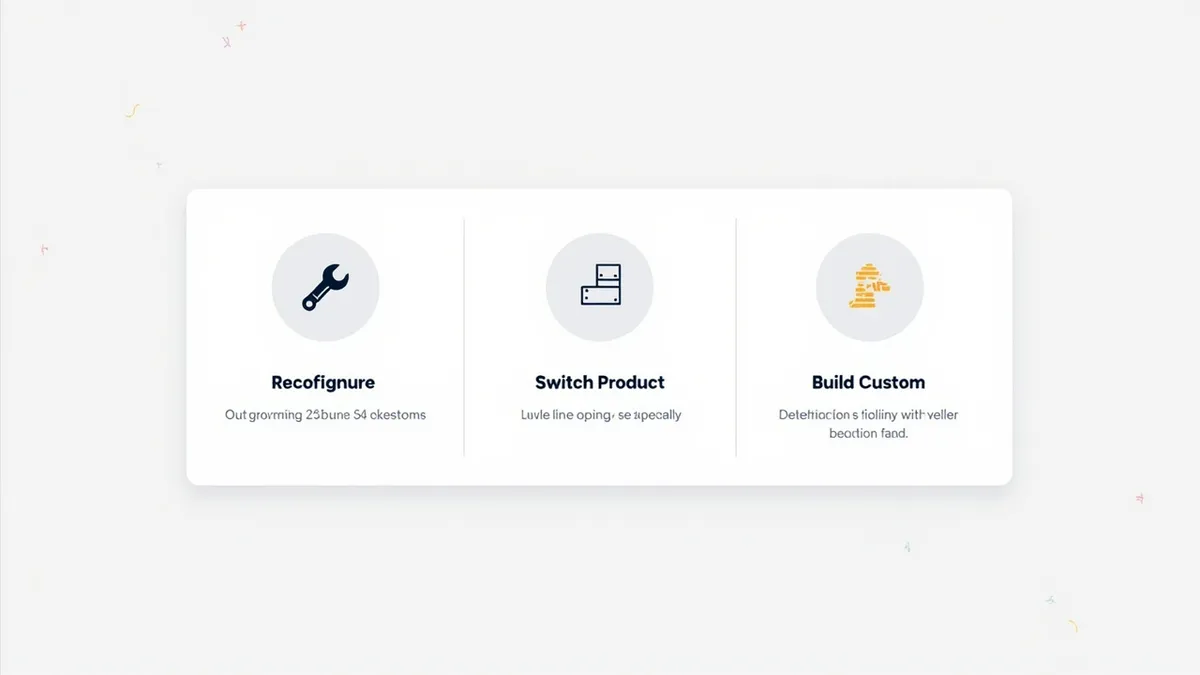
2. Change product. If another off-the-shelf CRM fits your process better, switching can make sense. Budget for data migration, new integrations, retraining and a period of running both systems side by side.
3. Build a custom CRM. A custom CRM is built around your exact sales process, with no per-seat licence for the software itself. It suits businesses whose process is genuinely different, or who need deep links to their own systems. It costs more upfront and you need a reliable partner for support and changes.
| Factor | Reconfigure | Change product | Build custom |
|---|---|---|---|
| Upfront cost | Lowest | Medium | Highest |
| Ongoing cost | Same licences | New licences | Hosting and support, no per-seat licence |
| Time to results | Weeks | Weeks to months | Typically a few months |
| Fit to your process | Limited by the product | Limited by the new product | Built to fit |
| Disruption to staff | Low | High | Medium to high |
| Best when | Setup is the problem | Another product clearly fits better | Your process is your advantage |
How to decide
Start by listing your workarounds and what each one costs in time. Then ask three questions:
- Would a proper cleanup of our current CRM remove most of these? If yes, reconfigure first.
- Is there a product that handles our process out of the box, including our WhatsApp and Arabic needs? Test it with real deals before you commit.
- Is the way we sell, quote or deliver something no product handles well, and worth owning? If yes, a custom build deserves a quote.
Whichever route you take, export and clean your data first. Duplicates and outdated records cause trouble in any system.
How Rinaztec can help
We build custom CRMs around how your team actually sells, with your pipelines, quotes and customer history in one place and connections to the tools you already use. If a cleanup of your current CRM is the better answer, we will tell you. See our custom CRM development service, from $15,000 with a typical timeline of 6 to 10 weeks.
Is your CRM working for your team, or is your team working for it? Book a free 30-minute call and we will help you decide.