
The short answer to ERP vs CRM: a CRM (customer relationship management system) manages everything up to and around the sale, such as leads, contacts, deals and customer conversations. An ERP (enterprise resource planning system) manages everything that happens after it, such as stock, purchasing, production, delivery and finance. Most businesses need a CRM first if winning customers is the bottleneck, and an ERP first if delivering the work is.
At a glance: CRM is for the people who find and keep customers. ERP is for the people who fulfil orders and keep the books straight. They share customer and order data, so plan how they will connect, but buy or build the one that fixes your most expensive problem today.
What is a CRM?
A CRM is a single place to record every customer and prospect, and every interaction with them. Salesforce and HubSpot both describe it as a system for managing relationships and interactions with customers and potential customers. In practice, that means a contact list, a sales pipeline (the stages a deal moves through, from first enquiry to signed), reminders for follow-ups, and a history of calls, emails and meetings.
The people who live in a CRM are sales, account management, marketing and customer service. The question it answers is: "Who are our customers, and what should we do next with each one?"
What is an ERP?
Oracle defines ERP as software that organisations use to manage day-to-day business activities such as accounting, procurement, project management and supply chain operations. The key idea is one shared database, so that an order, the stock it uses and the invoice it creates are all the same record rather than three copies in three tools.
The people who live in an ERP are operations, the warehouse, production, purchasing and finance. The question it answers is: "Can we deliver this, what will it cost us, and did we make money?"
ERP vs CRM side by side
| CRM | ERP | |
|---|---|---|
| Main job | Win and keep customers | Run operations and finance |
| Who uses it | Sales, marketing, customer service | Operations, warehouse, production, purchasing, finance |
| Data it holds | Leads, contacts, deals, emails, calls, support tickets | Products, stock, suppliers, orders, jobs, invoices, costs |
| Typical first win | Fewer lost leads and missed follow-ups | Accurate stock, faster month-end, clear margins |
| What drives the cost | Number of users, pipelines, automations and integrations | Number of modules, processes, data migration and integrations |
| Where it starts and stops | First enquiry to signed deal, then aftercare | Confirmed order to delivery, invoice and payment |
Some large platforms offer both under one brand, and some ERPs include a basic CRM module. That can work well, but check that the module your team will use most is genuinely good, not just present.
Which one does your business need first?
Answer these questions honestly. The side with more "yes" answers is usually where to start.
Signs you need a CRM first:
- Enquiries arrive by phone, email, WhatsApp and web forms, and some are never followed up.
- When a salesperson leaves, their customer knowledge leaves with them.
- You cannot say how many deals are in progress or how likely they are to close.
- Your delivery side copes fine once an order is confirmed.
Signs you need an ERP first:
- You sell stock you do not have, or hold far too much of the wrong items.
- Orders are re-typed from one spreadsheet or system into another.
- Month-end takes days because figures come from several places.
- You win enough work but struggle to deliver it on time or know which jobs are profitable.
If both lists describe you, start with whichever problem costs more money each month. A service business with no stock and simple invoicing may never need a full ERP: a CRM plus good accounting software is often the right answer. A small trading or manufacturing business with a handful of repeat customers may need stock and order control long before a sales pipeline.
If you are leaning towards ERP, our guide to ERP implementation steps explains how to scope and phase the project.
How the two connect
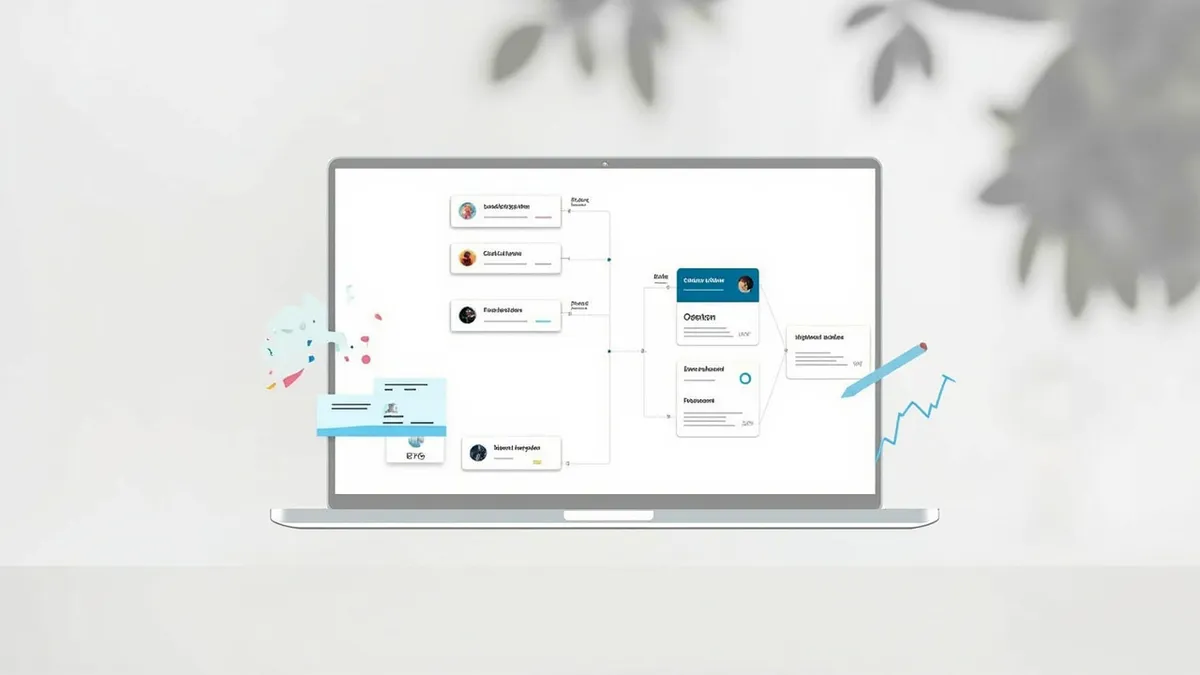
ERP and CRM overlap at the moment a deal becomes an order. That hand-off is where most double entry and errors happen, so it is worth designing on purpose. A typical connection looks like this:

- A deal is marked as won in the CRM.
- The customer record and order details pass to the ERP automatically, without anyone re-typing them.
- The ERP checks stock or capacity, schedules the work and raises the invoice.
- Order status, delivery dates and payment status flow back to the CRM, so sales and service can answer "where is my order?" without asking operations.
Decide early which system owns each piece of data. Usually the CRM owns contacts and sales history, and the ERP owns products, prices, stock and invoices. When both systems can edit the same field, they drift apart. Major vendors such as Microsoft Dynamics 365 and Odoo sell sales and operations apps that share data for this reason, and a custom build can achieve the same with a planned integration.
Off-the-shelf or custom?
For most small businesses, an off-the-shelf CRM is the sensible first step: they are quick to set up and cover standard sales processes well. Off-the-shelf ERP suits businesses whose operations look like everyone else's in their sector.
Custom software earns its place when your process is genuinely different, when per-user licence fees keep climbing, or when you have already tried a packaged system and your team works around it with spreadsheets. It also makes sense when you need the two systems joined in a way the packages do not support. If you want a wider view of that decision, see when to build custom software.
How Rinaztec can help
Rinaztec builds custom CRM and ERP systems around how your business actually works, with integrations to the accounting, email and e-commerce tools you already use, and you own the code. ERP is delivered in phases, starting with the module that hurts most. Custom ERP development starts from $15,000 with each phase typically taking 6 to 10 weeks, and custom CRM development starts from $15,000 and takes 6 to 10 weeks.
Not sure whether you need a CRM, an ERP or both? Book a free 30-minute call and we will help you work out where to start.